
ezPDF CLEAR: Digital Textbook & Workbook1.2 - App Store
You'll be able to see results in few seconds.
Publisher Description

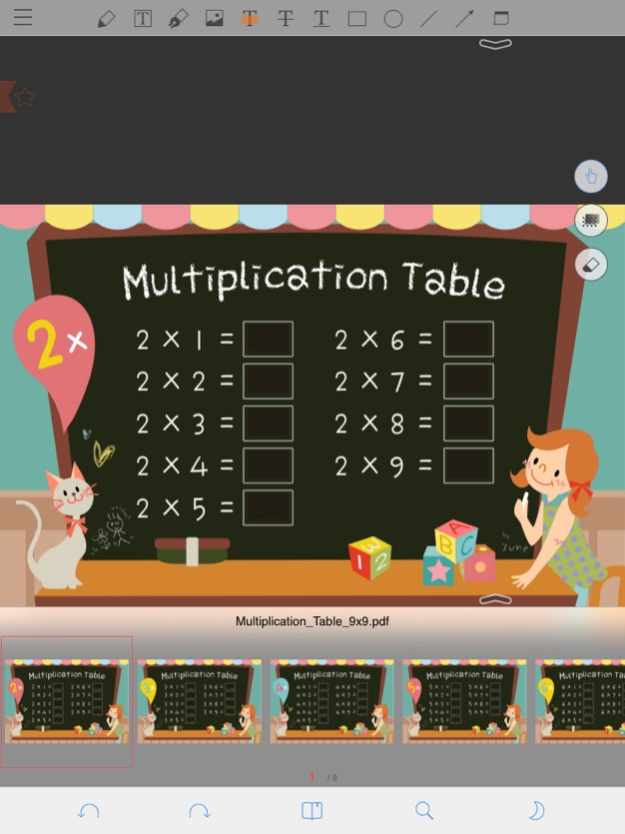
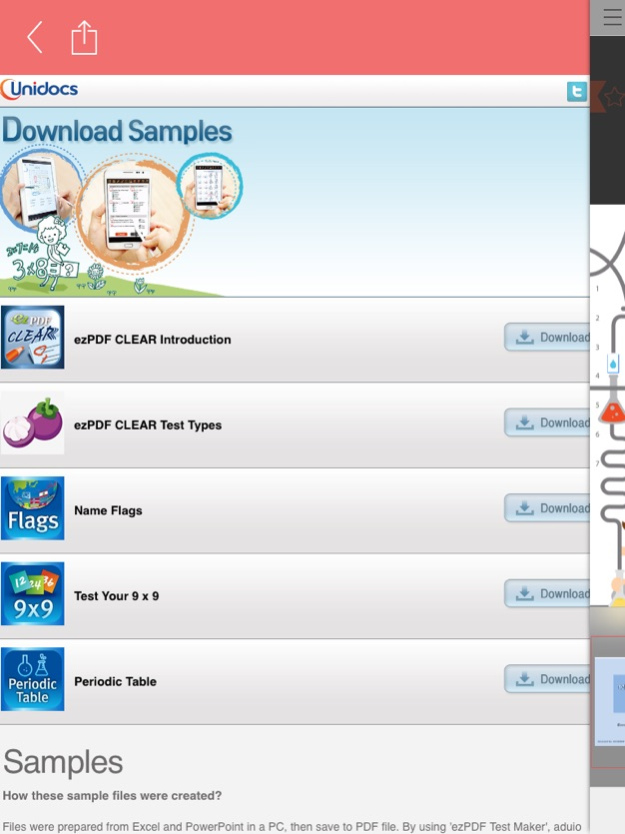
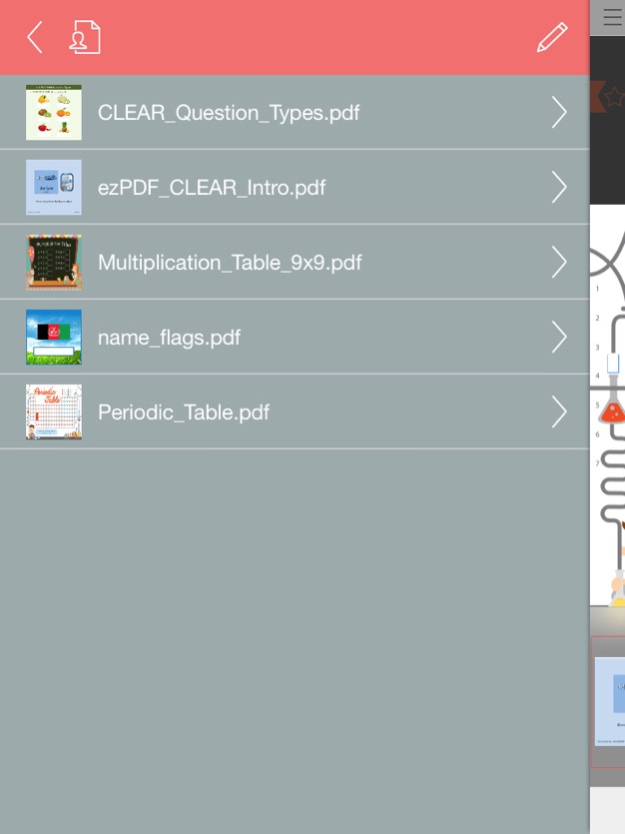
ezPDF CLEAR is the world's first innovative PDF content strategy for flipped learning with the digital textbooks, worksheets, workbooks, and tests & quizzes all combined in one single file.
It's a PDF reader. It's a PDF viewer.
No~ It's the Interactive PDF Quiz and Test Player!
ezPDF CLEAR is an acronym for "Connected Learning Easy As Read, Respond, and Repeat." It provides a pleasant reading experience with PDF documents. Combining with touch technology, reading is no longer limited as a book replacement. It creates a new way of productivity tools for users to act under work or study environments on their devices - marking, writing, typing, drawing, and adding images.
However, ezPDF CLEAR now adds additional new experience - Interactivity!
The World's first introduction of PDF-based educational tool and test and quiz taking mobile application. ezPDF CLEAR is the perfect solution for Flipped Learning as teachers can easily create interesting and interactive teaching materials for Flipped Classroom.
Mimicking Books and notes are now face of the past. Learning should be more fun and responsive to attract the users' attention. Our new approach brings a passive PDF becomes live in action. Our authoring tool programs (currently available for PC only) can easily make the plain PDF files to video embedded books, audio embedded books, flash cards, OX, True/False, multiple choices, short answer, and matching lines quizzes and tests.
ezPDF CLEAR magically turns these contents to live interactively on mobile devices. Hope our app helps you to CLEAR your learning and training obstacles.
● FEATURES
- Listen and watch embedded audio and video in PDF
- Play animated GIF
- Slideshow with Zipped images
- Highlight, underline on PDF text
- Write, draw, type, and add images on PDF
- Fill-out PDF form
- Take a quiz and test in PDF, and check answers within the same PDF for self-learning practice
● STUDY TOOL
- Interactive Flash Card Player
● SUPPORTED TEST TYPES
- Multiple Choice
- Multiple Answers
- True / False
- Fill in the Blank
- Fill in the Multiple Blanks (no order)
- Fill in the Multiple Blanks (in order)
- Short Answer
- Matching (Connecting)
Please leave your comments, reviews, bug reports, suggestions, volume sales, and other business inquiries to info(at)unidocs.com
twitter.com/ezpdf
facebook.com/ezpdf
● Other Apps
1. "Cup PDF" - PDF Clipping PDF & Share
2. "ezPDF Reader" - The best selling PDF app for iOS
Version History Bug fixed for the iOS 8.
Improved to the performance for the The Knowledge Tap Function. 1.2 12/15/2014 Add Draw Color Function
Bugs fix. 1.1 09/02/2014 1.0 08/15/2014
About ezPDF CLEAR: Digital Textbook & Workbook
The company that develops ezPDF CLEAR: Digital Textbook & Workbook is Unidocs Inc.. The latest version released by its developer is 1.2.
To install ezPDF CLEAR: Digital Textbook & Workbook on your iOS device, just click the green Continue To App button above to start the installation process. The app is listed on our website since 2026-10-14 and was downloaded 0 times. We have already checked if the download link is safe, however for your own protection we recommend that you scan the downloaded app with your antivirus. Your antivirus may detect the ezPDF CLEAR: Digital Textbook & Workbook as malware if the download link is broken.
How to install ezPDF CLEAR: Digital Textbook & Workbook on your iOS device:
- Click on the Continue To App button on our website. This will redirect you to the App Store.
- Once the ezPDF CLEAR: Digital Textbook & Workbook is shown in the iTunes listing of your iOS device, you can start its download and installation. Tap on the GET button to the right of the app to start downloading it.
- If you are not logged-in the iOS appstore app, you'll be prompted for your your Apple ID and/or password.
- After ezPDF CLEAR: Digital Textbook & Workbook is downloaded, you'll see an INSTALL button to the right. Tap on it to start the actual installation of the iOS app.
- Once installation is finished you can tap on the OPEN button to start it. Its icon will also be added to your device home screen.
Program Details
System requirements
Download information
Pricing
Version History
version 1.2
posted on 2026-10-14
Version History Bug fixed for the iOS 8.
Improved to the performance for the The Knowledge Tap Function. 1.2 12/15/2014 Add Draw Color Function
Bugs fix. 1.1 09/02/2014 1.0 08/15/2014
version 1.2
posted on 2026-09-04
Version History This app has been updated by Apple to prepare for watchOS 27 compatibility. No new features are included.
Bug fixed for the iOS 8.
Improved to the performance for the The Knowledge Tap Function. 1.2 12/15/2014 Add Draw Color Function
Bugs fix. 1.1 09/02/2014 1.0 08/15/2014
version 1.2
posted on 2026-08-23
Version History This update from Apple will improve the functionality of this app. No new features are included.
Bug fixed for the iOS 8.
Improved to the performance for the The Knowledge Tap Function. 1.2 12/15/2014 Add Draw Color Function
Bugs fix. 1.1 09/02/2014 1.0 08/15/2014
version 1.2
posted on 2014-12-15
Dec 15, 2014
Version 1.2
This app has been updated by Apple to display the Apple Watch app icon.
Bug fixed for the iOS 8.
Improved to the performance for the The Knowledge Tap Function.
version 1.2
posted on 2014-12-15
This app has been updated by Apple to display the Apple Watch app icon.
Bug fixed for the iOS 8.
Improved to the performance for the The Knowledge Tap Function.
Disclaimer
Official App Store Link
We do not host ezPDF CLEAR: Digital Textbook & Workbook on our servers. We did not scan it for viruses, adware, spyware or other type of malware. This app is hosted by Apple and passed their terms and conditions to be listed there. We recommend caution when installing it.
The App Store link for ezPDF CLEAR: Digital Textbook & Workbook is provided to you by apps112.com without any warranties, representations or guarantees of any kind, so access it at your own risk.
If you have questions regarding this particular app contact the publisher directly. For questions about the functionalities of apps112.com contact us.
